

A website redesign runs more smoothly when a few things are ready before the design work begins. You don’t need everything perfect, and you don’t need to do it alone. But the more of this you can gather, the more of our time goes into the parts that make your site stand out. Here’s what helps most, in the order I’d tackle it.
Know what you want your website to do
Before colours and layouts, think about the job your website needs to do. More enquiries? Bookings? Online sales? Fewer emails asking the same questions? Most businesses have one main goal and a few supporting ones, and knowing them shapes every decision that follows, from the pages you need to where each button goes.
It also helps to know who you most want to reach. A website for parents booking art classes needs different things than one for agents discovering a new actor, even when both are simple and clean.
Take stock of your current site
Make a quick list of what’s working and what isn’t. Which pages do people actually use? What do customers ask you that the site should already answer? What feels out of date, or no longer reflects how you work?
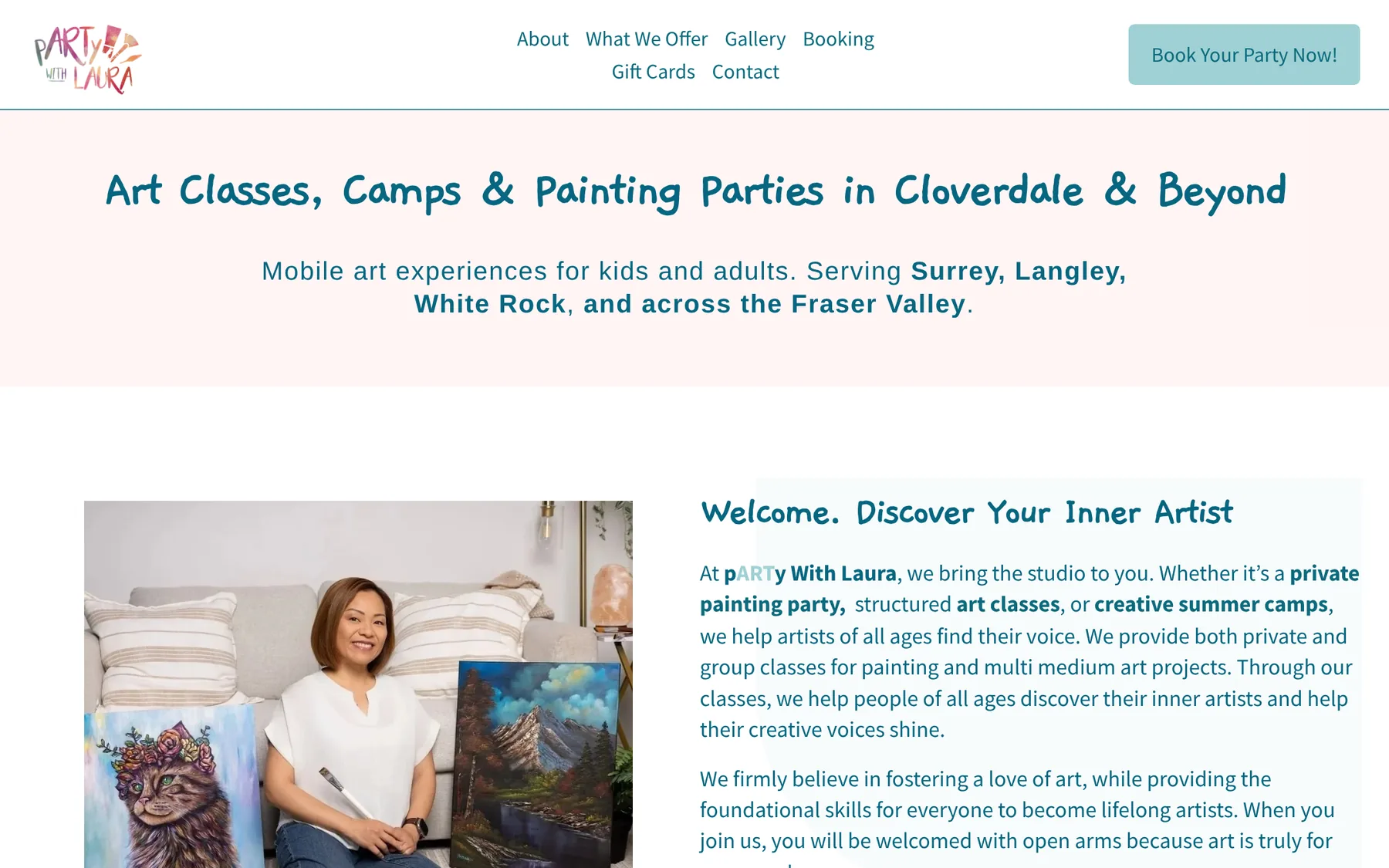
Those everyday questions are useful. For pARTy With Laura, common parent questions (what to wear, what to bring, whether there’s a snack break) became short, expandable answers on each program page.
If you have Google Analytics or Search Console, note your most visited pages and the searches that bring people in. Keeping those pages at the same address, or redirecting them properly, means a redesign builds on what you already have instead of starting from zero.
Start with what you want your website to do, not how you want it to look.
Plan your pages and words
List the pages you think you need and the main thing each one should say. A home page, services, about, contact and a few examples of your work cover most small businesses, but your list might also include programs, a shop, a portfolio or FAQs.
Gather the words you already have, even rough notes. Copy you love can stay, and anything that isn’t working can be rewritten. If writing isn’t your favourite thing, tell me. Turning notes into clear, warm copy is something I help with.
Gather your brand files
Find your logo in the best quality you have. Ideally that’s a vector file (SVG, EPS or PDF) plus a PNG with a transparent background. Add your brand colours, fonts and any brand guidelines you’ve been given.
If you don’t have a palette or fonts yet, that’s okay. A redesign is a natural time to define them, and brand and marketing design is part of what I offer. I don’t design logos, but I can build your colours, typography and imagery around the one you have.

Choose your photos
Photos shape how a website feels more than almost anything else. Your own photos of your work, your space and yourself build a kind of trust that stock photos can’t. Gather the best ones you have, in the largest size available.
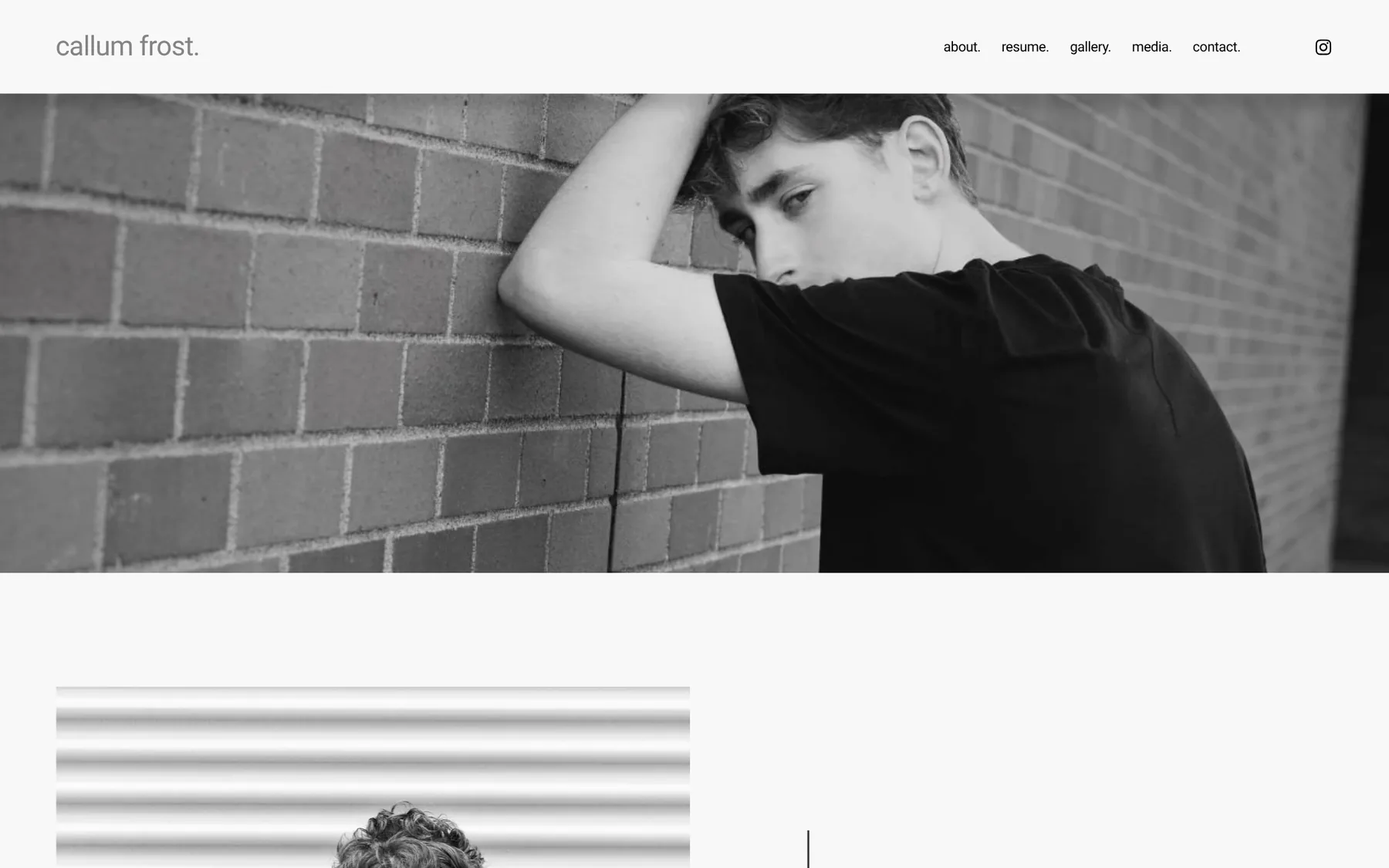
If you’re planning a photo shoot, plan it with the website in mind. Before Callum’s headshot session, I gave advice on the kinds of photos I wanted for his site, so the shoot and the design worked together.
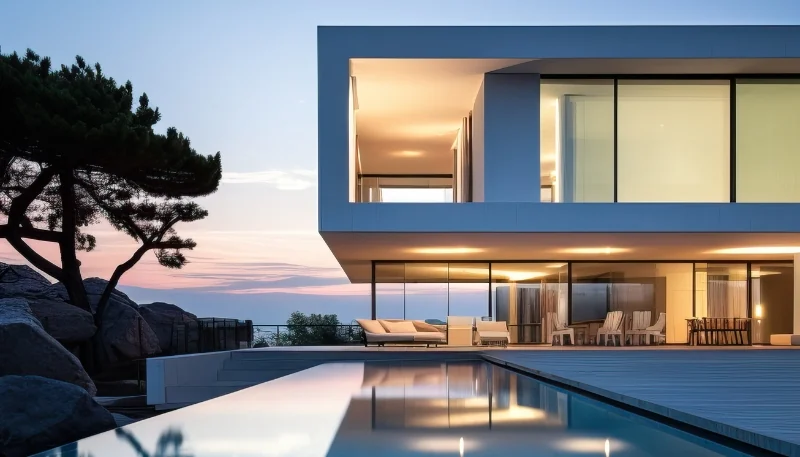
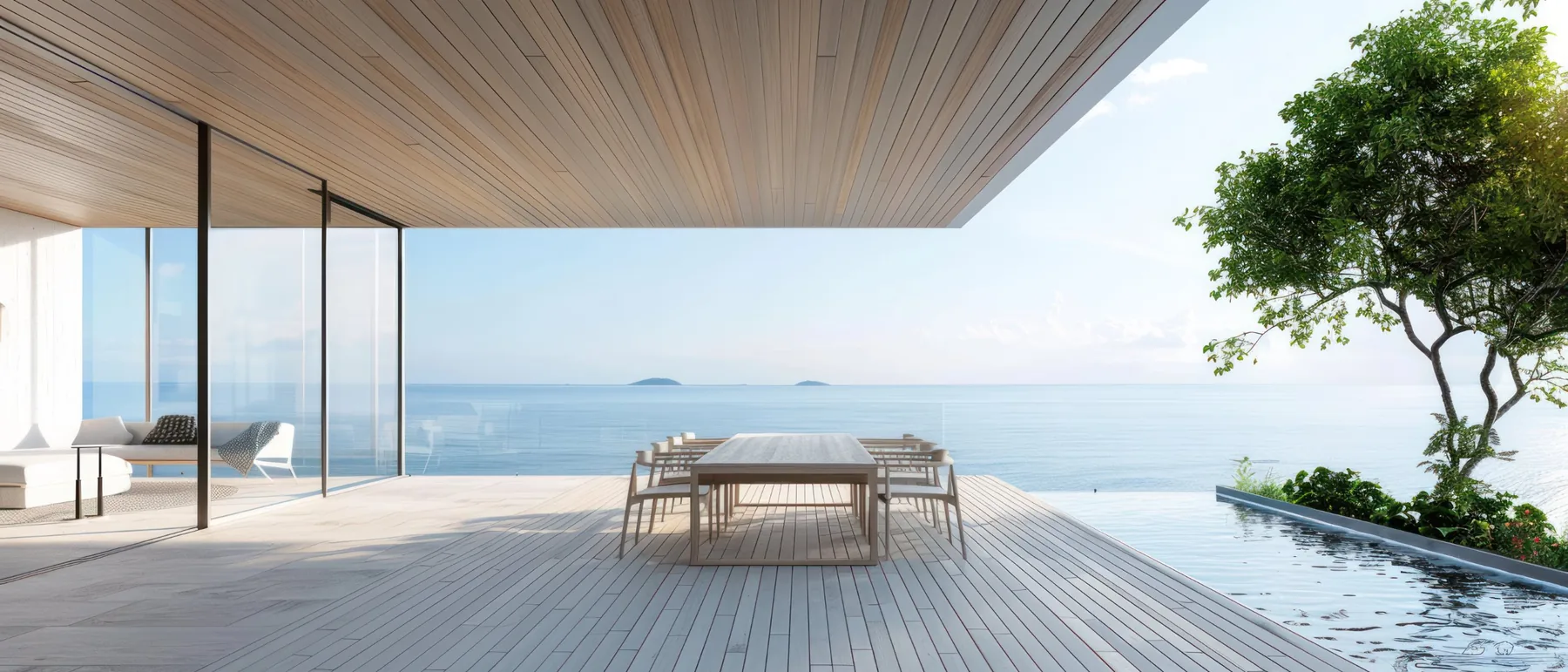
Stock photos still have a place, especially for mood and atmosphere. Choose ones that feel like your brand rather than ones that could belong to anyone.
Collect your logins
Waiting on logins is one of the easiest ways for a project to stall, so it’s worth gathering access early:
- Your domain, and where you bought it
- Your current website platform
- Google Business Profile, Search Console and Analytics
- Your email, if it’s connected to your domain
- Any booking, payment or newsletter tools you use
- The social media accounts you’d like linked
You don’t need to send passwords by email. Most of these tools let you add a collaborator instead, which is safer and easy to undo later.
List your must-have features
Think about what your website needs to do behind the scenes. Booking, online sales, gift certificates, a contact form that sorts enquiries, a newsletter sign-up or a private area for clients or families are all possible, but each one affects how the site is built.
Listing them early helps choose the right platform, since Squarespace, Shopify and custom-coded sites each handle them differently. SMASH, for example, needed a portal for families, while The Rooster Den Co needed a store that’s easy to shop.
Collect a few websites you like
Find two or three websites you love, in any industry, and note what you like about each one: the colours, the photos, how easy it is to find things, how it makes you feel. Sites you don’t like are just as helpful, as long as you can say why.
A short list of your main competitors is useful too, so your new site can stand apart from them rather than blend in.
Share your timing
If your new site needs to be ready for something specific, like registration opening, a new season or a product launch, mention it at the start. It’s much easier to plan around a date we both know about.
The bottom line
You don’t need all of this before we talk. A rough idea of your goals and a few links to sites you like is a great place to start, and we can work through the rest together. The more you gather, the more of our time can go into the parts that make your website feel like yours.
Enquire About Your Project